

Below you will find a list of our top features. In the samples section there are a lot of simple samples showing specific features supported by i-net Clear Reports. If you are interested in complex samples, have a look at the application samples.
Additional features are available from the Plugin Store.
The following features are being completed by the i-net Clear Reports Plus version features.
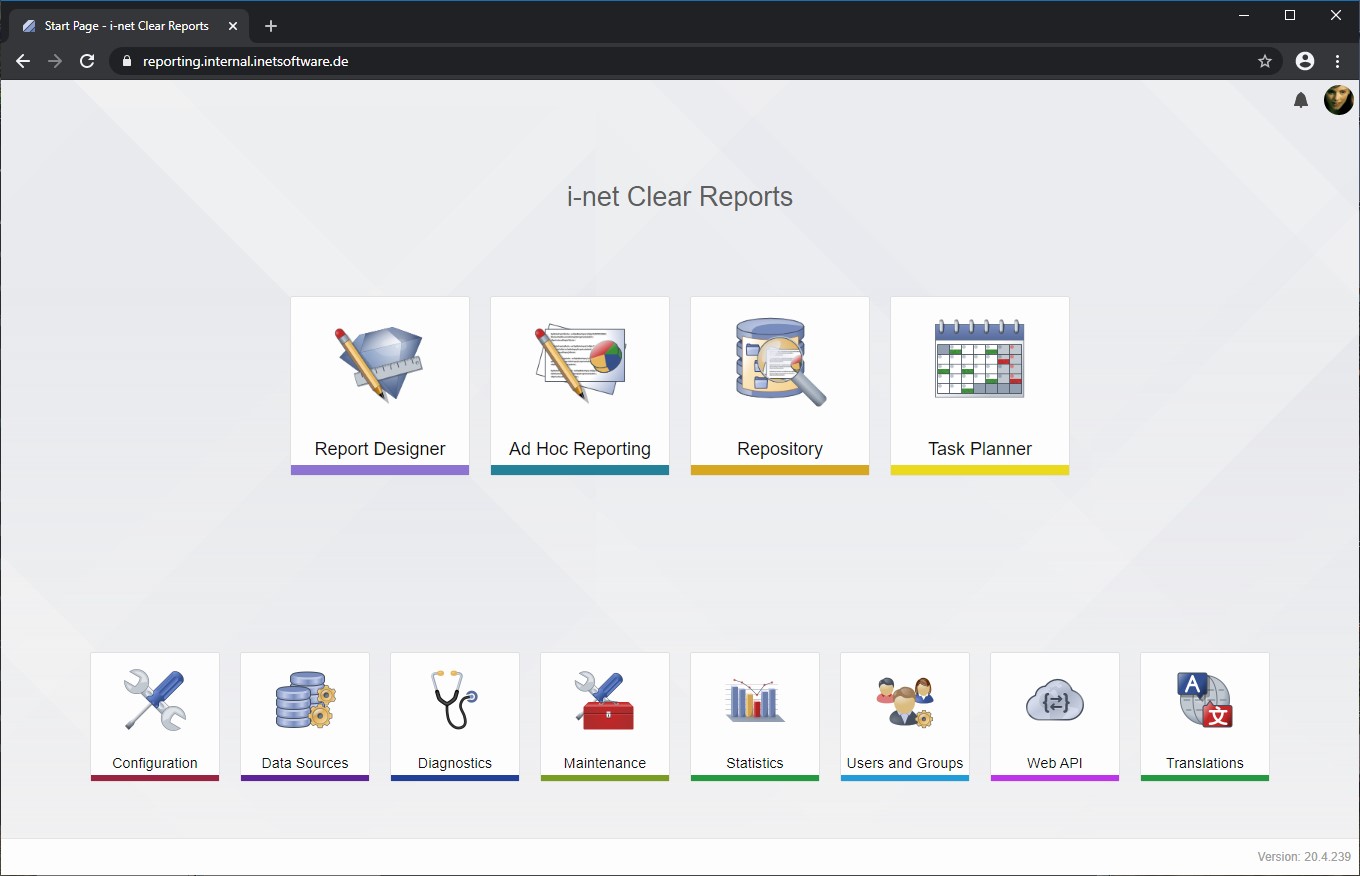
i-net Clear Reports 2018 introduces an all-new Users and Groups Manager along with a whole new authentication backend. User accounts can be created in the Users and Groups manager and provided with permissions to applications and functions.
The authentication backend can be extended using plugins for special scenarios. It is shipped with login providers for Windows, macOS and Linux (PAM), Active Directory (LDAP, ADFS), OAuth (GitHub, Google, Facebook) and an internal authentication without relying on external resources.
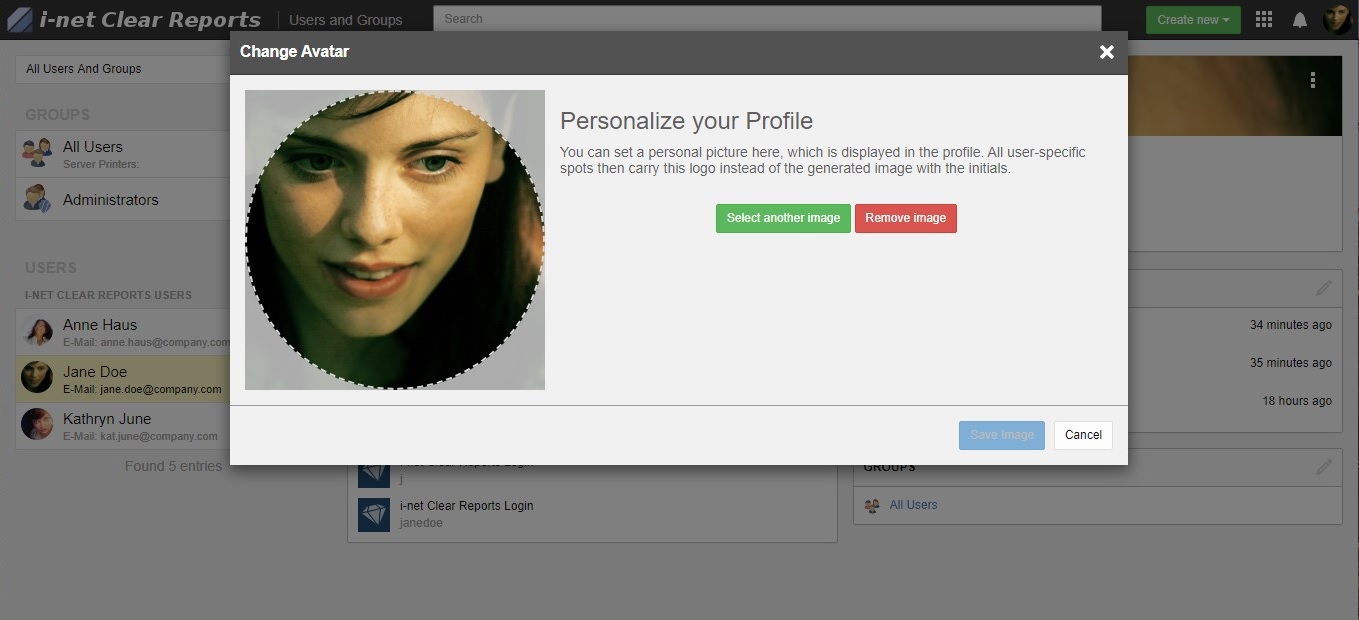
i-net Clear Reports offers a streamlined version of i-net Designer to create meaningful reports very fast and easy. Ad hoc reporting is available as browser based HTML version and can be embedded in other applications as well. The i-net Designer uses an Ad Hoc component as report wizards to easily create new reports.
The Repository is a place where everyone can store and execute report templates directly on the server. Together with System and Report Permissions we offer an easy way to manage visibility and execution permissions for users and groups. See more details.
Administrators have access to vital server statistics during runtime through a module on the server. It allows to see what is and was going on on the server, how many sessions there have been and which reports have been rendered.
This module also includes the former cache viewer in a visually modern interface.
In addition administrators have direct access to log files including a search engine to look for certain specifics.
You can use data from every database with a JDBC driver or ODBC driver. It is also possible to access the data directly or via Java Beans. You can change the database at runtime or design time.
You can install the i-net Designer on as many clients as you want - absolutely free1) of charge.
The i-net Designer program is a easy-to-use report template designer with a lot of layout elements like charting or cross-tabs. It sports wizards for Ad Hoc report creation as well as formula editors for professional data extraction and visualization.
A single report can be available for different languages (labels and formating). The i-net Designer offers a translation dialog which helps to translate static content of your report files.
Users who access the reports will be presented with localized versions if a translation is being provided for their browser or system language.
i-net Clear Reports currently supports English, German, Spanish, simplified and traditional Chinese for most graphical elements. The Translation module allows easy customization to add even more languages or change existing ones to fit into your environment.
The reports can be customize with parameters and two different scripting languages. Parameter can be set via URL, API or by the user at run-time.
Interactive sorting options are adding even more dynamic to reports.
You can create reports with an execution time plan and send them via email, save them onto disk or do any other custom action. See more details.
The Task Planner is easily extendable for new triggers, actions and result handlers. There is a web api too which can be used to remotely control tasks or schedule one-time tasks with ad-hoc configuration.
There are many options to limit the visibility of reports or just for a part of a report.
(Have a look at the security guide too.)
With clicking a group you can show details. Our reports support unlimited grouping levels.
Generate your report into different output formats like Java, PDF, RTF, HTML, SVG, etc.
Design your reports with Charts, Cross-Tabs, Fields, your custom Java Beans and many more layout elements. See the samples for an idea what is possible.
Font Embedding makes your report look the same on every system. This is very important for special fonts like barcode or symbolics.
i-net Clear Reports comes with a variety of barcode beans for e.g. 2D or QR styled barcodes. In addition you can use embedded barcode fonts without any extra requirements.
Java is a multi-platform language offering 64-bit installations for a large number of operating systems. You can install and run i-net Clear Reports on 64-bit installations of Java and maximize the benefits of your hardware.
.NET supports 64-bit installations as well. The Setup will select the appropriate version for you.

If your runtime environment only supports .NET or your software is programmed in .NET and not Java - you still will be able to use i-net Clear Reports or embed it into your application.