

To create new tags, just click the new button ( ) in the configuration view and enter the name for the tag. You have to give the tag a responsible user or group by selecting on from your users in the list of Responsibles. Entering a description is recommended so that the person who gets the error knows exactly what went wrong.
To remove an unused tag you should delete it with the delete button ( ).
).
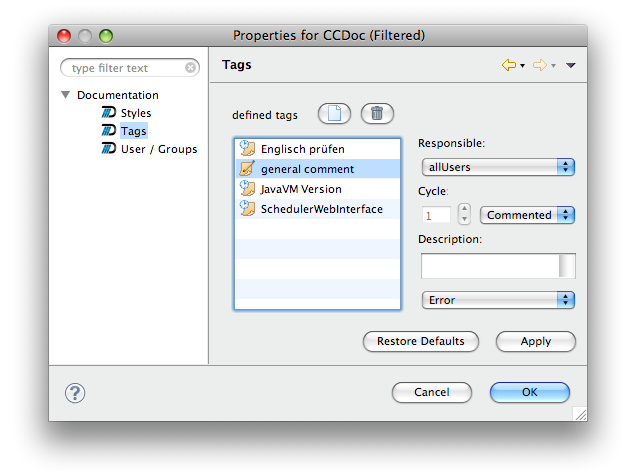
The Cycle setting tells i-net Doqua when to invalidate an assigned tag. You have the following options:
There are five impact settings: Critical Error, Error, Warning, Info, Debug. Depending on the impact, a document with an error will be listed in the Document Error View according to its setting